Address of iPhone Charging Cable Manufacturing Company in Vietnam - MyMy Technology
Address of iPhone Charging Cable Manufacturing Company in Vietnam
The phenomenon of iPhone heating up while charging is no longer strange to users. However, few people know that the main cause comes fromincorrect charging habits and poor quality charging cableTo protect the battery and phone components, users need to understand the principle of heat generation and chooseCharging cables meet technical standards from reputable manufacturers in Vietnam like MyMy Technology - a business specializing in manufacturing and exporting safe, internationally standard iPhone charging cables.
1. Do not charge and use at the same time - a habit that makes the device heat up quickly
Many people have the habit ofCharge while watching movies, playing games or surfing the net, accidentally causing the device to heat up faster. At that time, the energy from the charger must be divided in half - charging the battery, supplying power to the CPU and screen.
This makes surge current, the battery has to work harder, resulting in high heat generation. In the long run, the battery is prone to damage and significantly reduced capacity.
If you need to use it urgently, wait for the battery to reach the80% or morethen unplug the charger before use.
2. Using a charger with standard capacity helps reduce temperature significantly
Each iPhone line has its own levelIndividual optimal charging capacity, for example, iPhone 11 supports 18W, iPhone 15 supports 20W - 30W. Using an incompatible charger (too weak or too strong) can cause the device to abnormally increase in temperature.
Company MyMy Technology researched and produced voltage sync charging cable, ensuring stable 5V - 9V - 20V current compatible with each iPhone line. Thanks to that, the device always operates within safe thermal limits, limiting the situationOverload or burned charging IC.
3. Cool down your iPhone while charging – a small but effective tip
A simple tip to help your iPhoneFaster and cooler charging is charging is, dry, avoid leaving on beds, blankets or bags.
Many people charge their phones in a case or near a heat-retaining material, which restricts air circulation. You can place your phone on a flat surface with ventilation holes, or turn off mobile network – WiFito reduce the load on the processor.
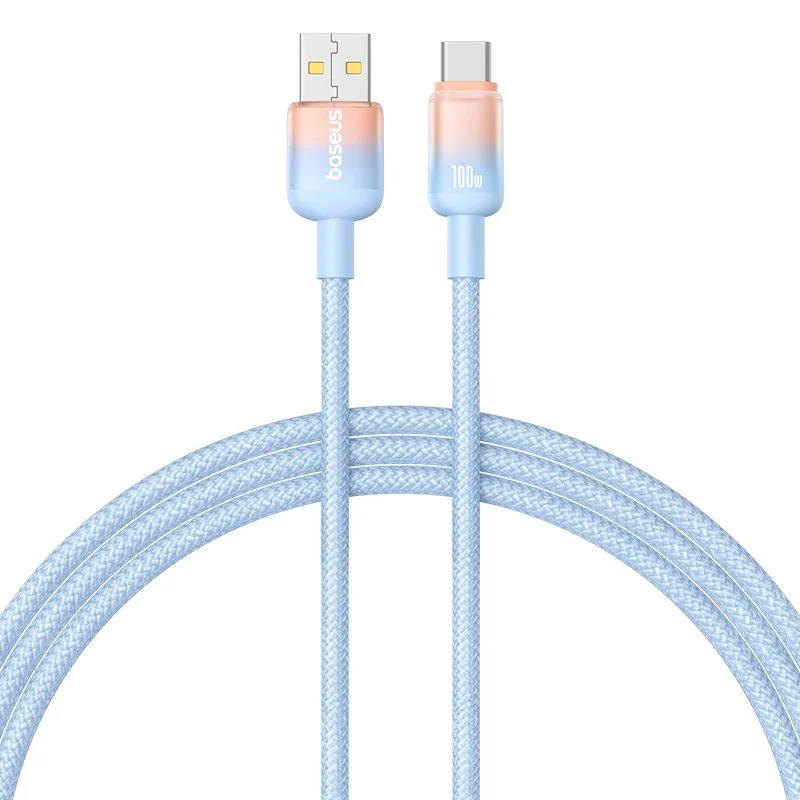
MyMy charging cable hasHeat-resistant shell and copper core evenly dissipating heat, helps the device stay stable even after charging continuously for many hours.
4. How to choose a compatible charging cable to prevent the device from overheating
Not every “chargeable” cord is compatible. A good iPhone charging cord should have:
- Device identification chip (E-marker or Lightning IC)to adjust the voltage accordingly.
- Pure copper core helps to transmit electricity quickly and reduce energy loss.
- Anti-oxidation plated plug, helps to stabilize electrical contact.
Products ofMyMyall are fineelectrical safety and charging current testingBefore leaving the factory, get CE and RoHS certification, ensureDoes not cause overheating or battery fire during use.
5. Signs that you need to replace the charging cable before it causes a battery fire
Many people do not realize that old or slightly damaged charging cable can still be dangerous.
Some warning signs:
- Wire heats up faster than normal even after charging for a few minutes.
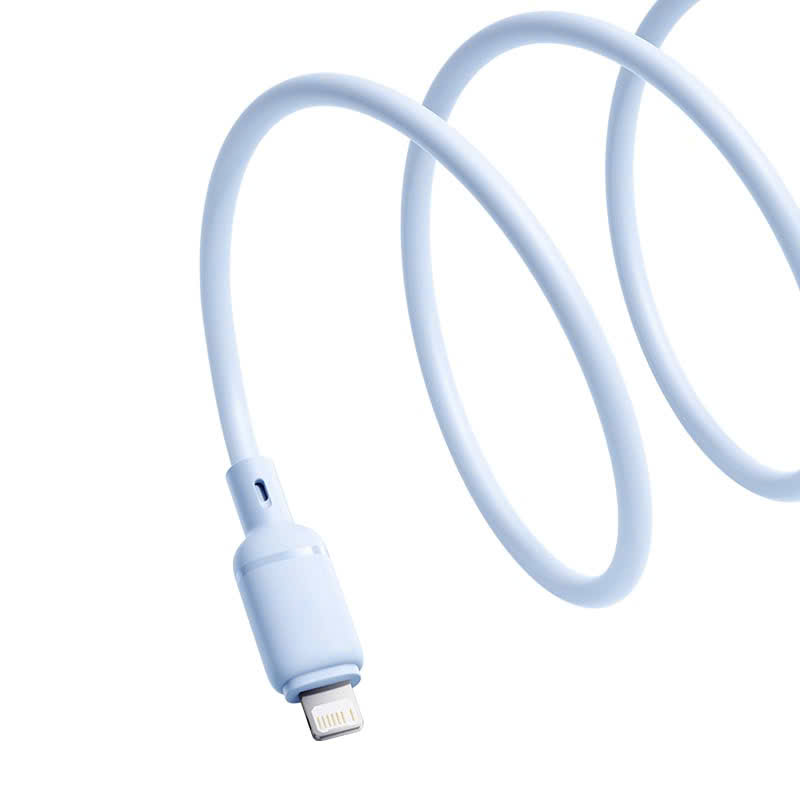
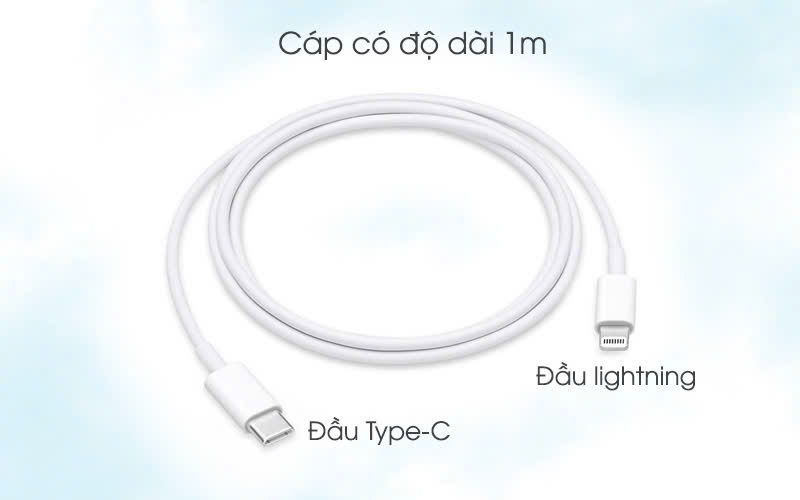
- Loose plug, difficult to fit into Lightning or Type-C port.
- A slight burnt smell appears at the end of the wire when charging.
- Battery drains quickly even after long charging.
When you see the above signs, you should replace the charging cable have clear origin. Product ofMyMy TechnologyGuaranteed and periodically checked with an ohmmeter to ensure absolute safety for users.
6. Check the plug regularly to avoid poor contact.
The plug is the direct contact point between the charging cable and the phone. After a long time of use, dust or oxidation can cause increased resistance, causing uneven current transmission and local heating.
You shouldPull the wire gently, avoid bending, simultaneously Clean the plug every week with a cotton swab or soft brush.
MyMy charger is designed precision molding, has classanti-rust nickel plating, ensuring tight and stable contact over thousands of plugging and unplugging times.
7. Clean the charging head periodically to help transmit electricity more stably.
Even if it is a high-end wire, ifThe charging head is dusty, damp or slightly rusty., the power transmission efficiency will decrease, and heat will be generated at the contact point.
Clean regularly with70% isopropyl alcohol and keep the charging cord dry when not in use.
MyMy products haveDust cap included, helping users to better preserve and extend the life of the charging cord up to 5,000 plugging and unplugging times.
8. Turn off background apps while charging to reduce device temperature
Another common cause of the iPhone getting hot while charging is background apps still running. Facebook, TikTok, Messenger or background games all consume CPU and battery.
Before charging, you should turn off all background apps, reduce screen brightness and turn on Airplane mode if no connection is required.
As power consumption decreases, heat generation also decreases, allowing the iPhone to charge faster without overheating.
9. Charging cable MyMy Technology– safe solution for iPhone to charge for a long time without getting hot
Address of iPhone Charging Cable Manufacturing Company in Vietnam - MyMy Technology