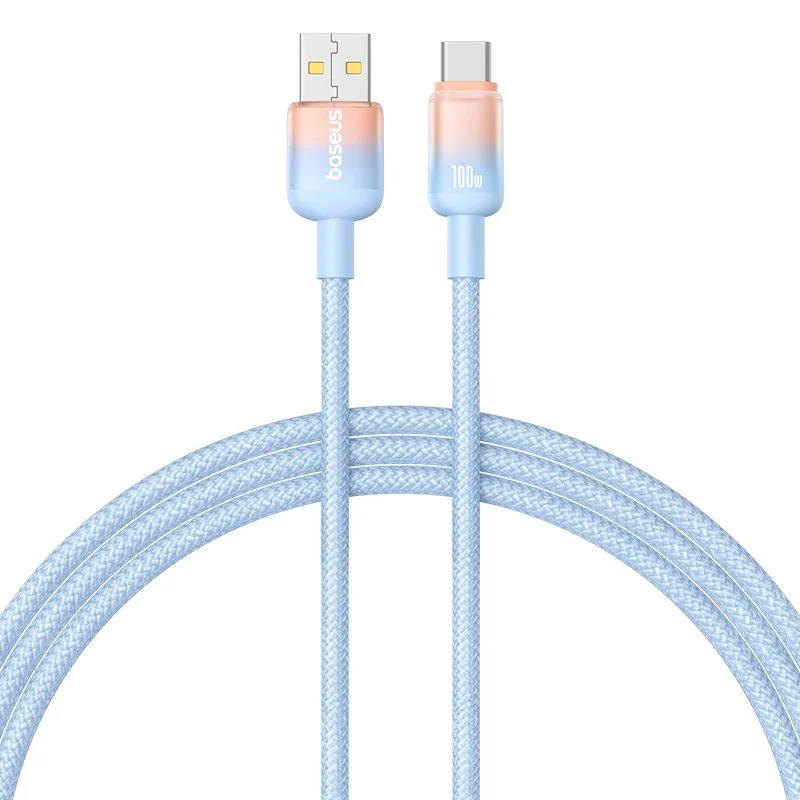
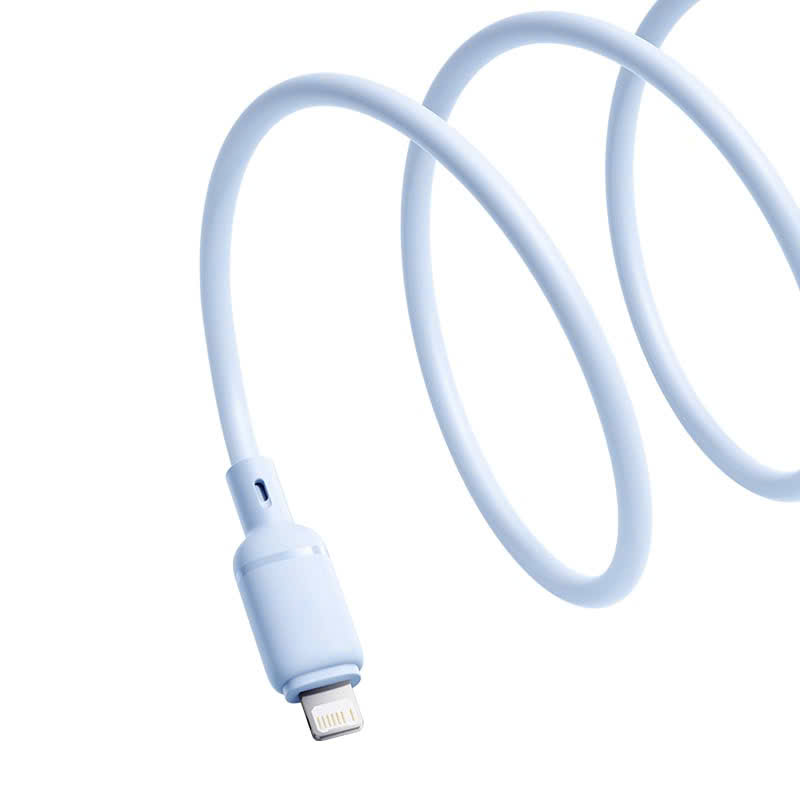
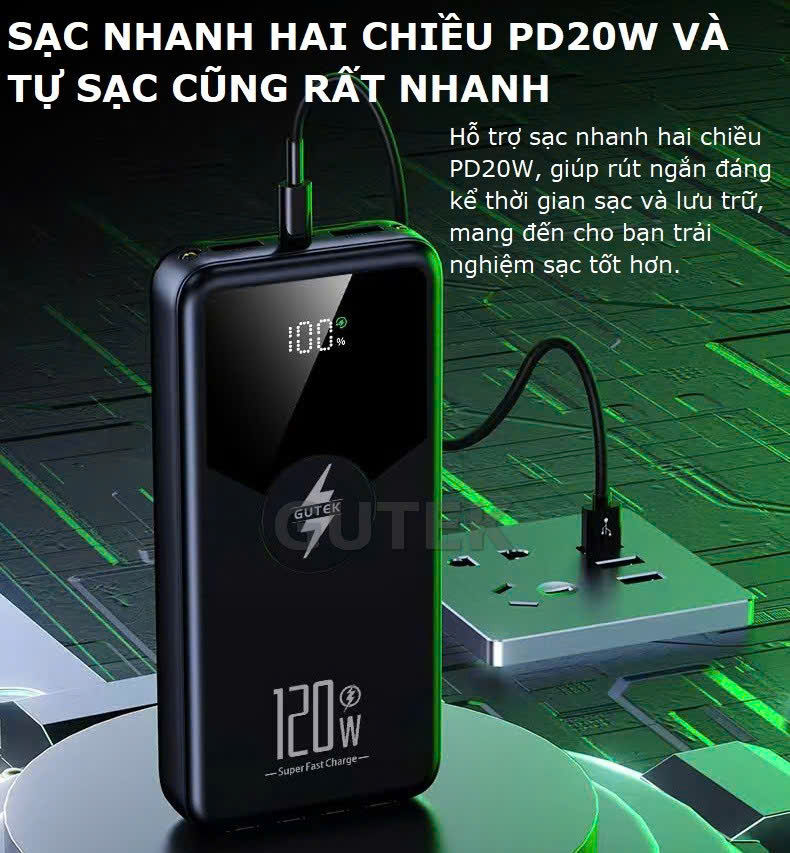
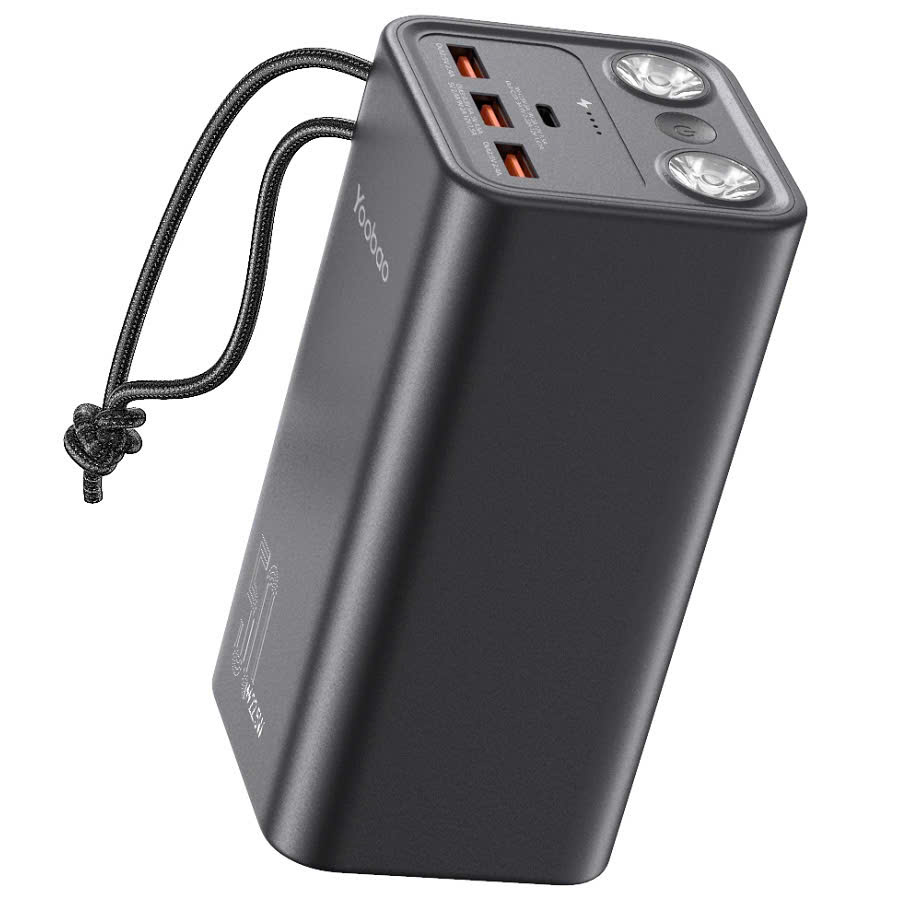
iPhone 30W, 45W, and 65W Charger Manufacturing Plant in Vietnam
iPhone 30W, 45W, and 65W Charger Manufacturing Plant in Vietnam
The phenomenon of smartphones, especially newer iPhone models (iPhone 13, 14, 15 series), experiencing erratic touch screen behavior while charging is no longer uncommon. According to experts at MyMy Technology This error is not only annoying but also serves as a "warning" about the device's safety.
1. What is touch screen malfunction while charging?
Ghost Touch is a phenomenon where the screen spontaneously performs swipe, tap, or other actions in the wrong places without user input. The characteristic features of this error are:It only appears when connected to a power source.and disappears as soon as you unplug it from the charger.
2. The core causes of touch screen malfunction (Technical perspective)
In Mymy TechnologyThrough testing thousands of devices, we have concluded the following main causes:
- Electromagnetic interference (EMI):This is the most common cause. Inexpensive chargers lack noise filtering circuitry, preventing alternating current (AC) from being smoothly converted to direct current (DC), creating electrical surges that disrupt the magnetic field of the capacitive touch layer on the screen.
- Unstable voltage:Charging with an unstable power source or using a charger with an unsuitable wattage (too low or too high compared to the device's specifications).
- Accessories that do not meet MFi standards:iPhones are extremely sensitive to charging cables that lack MFi (Made for iPhone) certification, leading to the power control chip being unable to optimize the current flow.
- Hardware & Software Conflicts:Using excessively thick tempered glass hinders the flow of electrical charge on the surface, combined with iOS experiencing system errors.
3. The most effective ways to fix touchscreen malfunctions while charging.
Change to a high-quality charger (Top priority)
Don't skimp on a low-quality charger. Use a 20W, 30W, or GaN (Gallium Nitride) charger from reputable brands. Distribution partners of Mymy Technology GaN technology helps stabilize the current and dissipate heat more effectively, minimizing EMI interference.
Check the power source and charging environment.
- Avoid charging via the USB ports of old computers or loose power outlets.
- Remove the phone case if the device gets too hot while charging, as high temperatures can also affect the sensitivity of the touch IC.
Software cleaning and optimization
- Clean the screen:Sweat and dirt accumulating on the screen, combined with static electricity from charging, can cause touch sensitivity issues.
- iOS Update:Always ensure you're on the latest iOS version to receive power management bug fixes from Apple.
Hardware intervention solution
If the problem persists even after replacing the charger with the original one, there's a possibility...Touchscreen IC or Power IC The motherboard is damaged. At this point, you need to take your computer to a reputable service center such as MyMy Technology for measurement and replacement with genuine parts.
4. Comparison table of genuine chargers vs. low-quality chargers
|
|
|
|
|
|
|
|
|
|
|
|
|
|
|
|
|
|
|
|
5. Frequently Asked Questions (FAQ)
Question: Will using a 65W charger for my iPhone 13 cause touchscreen malfunctions?
MyMy Technology reply:No, if it's a standard PD (Power Delivery) charger. The iPhone will only receive the power it needs. However, if you use a counterfeit 65W charger, the unclean current will cause immediate touchscreen malfunctions.
Question: Why does the erratic behavior stop when I unplug the charger?
Reply:Because the external power source is now off, the screen switches back to using the stable power supply from the internal battery.
Conclude:
Touchscreen malfunctions while charging aren't simply a screen issue; they're a sign that your device is receiving a "harmful" power source. Protect your expensive iPhone by choosing charging accessories from reputable vendors.
iPhone 30W, 45W, and 65W Charger Manufacturing Plant in Vietnam